If you forgot your password or had other issues signing in to your Gallup Access account, go to the Account Assistance page and enter the email address associated with your account.
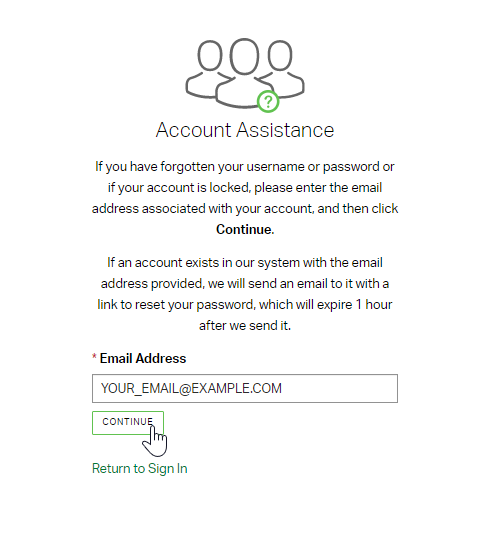
- If an account exists with your email address, Gallup will send you an email with information for accessing your account.
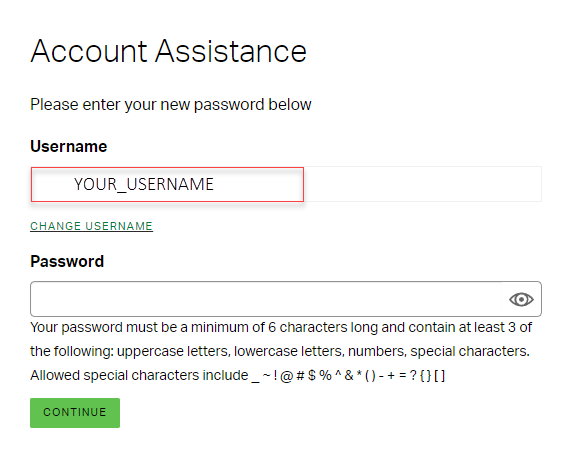
- To update your password, create a new password on the account assistance screen by following the password guidelines listed below.
- Note: When you click the account assistance link, it will open in your browser and auto-populate with your current username in the Username field. You can update your username by selecting Change Username below the username field.
- If you do not receive an email from Gallup within 10 minutes of providing your email address, please check your spam or junk folder. If you still can't find the email, your account is likely associated with a different email address. Go back to the Account Assistance page and enter a different email address that you may have registered your account with.