If you have not created a Gallup Access account, you need to register an account on the site. After you redeem an access code or select Sign In on Gallup Access, you can click the Create an Account link on the Sign In page.
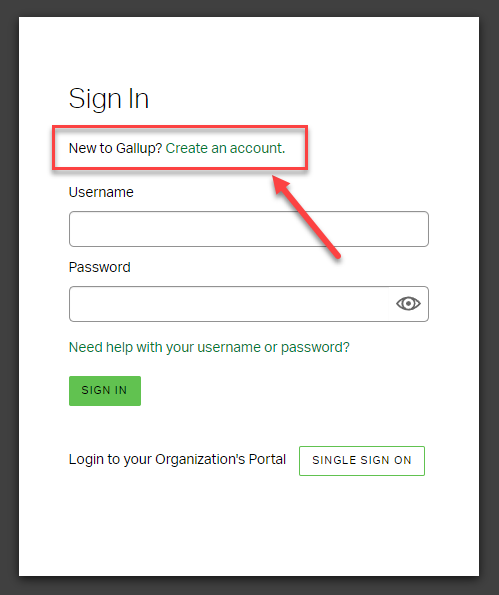
After clicking the link, Gallup Access will prompt you to complete the account setup. The fields marked with an asterisk (*) are required.
NOTE: Double-check to ensure that you spelled the email address correctly before selecting NEXT.
After finishing the account setup, Gallup Access will send you a six-digit verification code to complete your account registration.